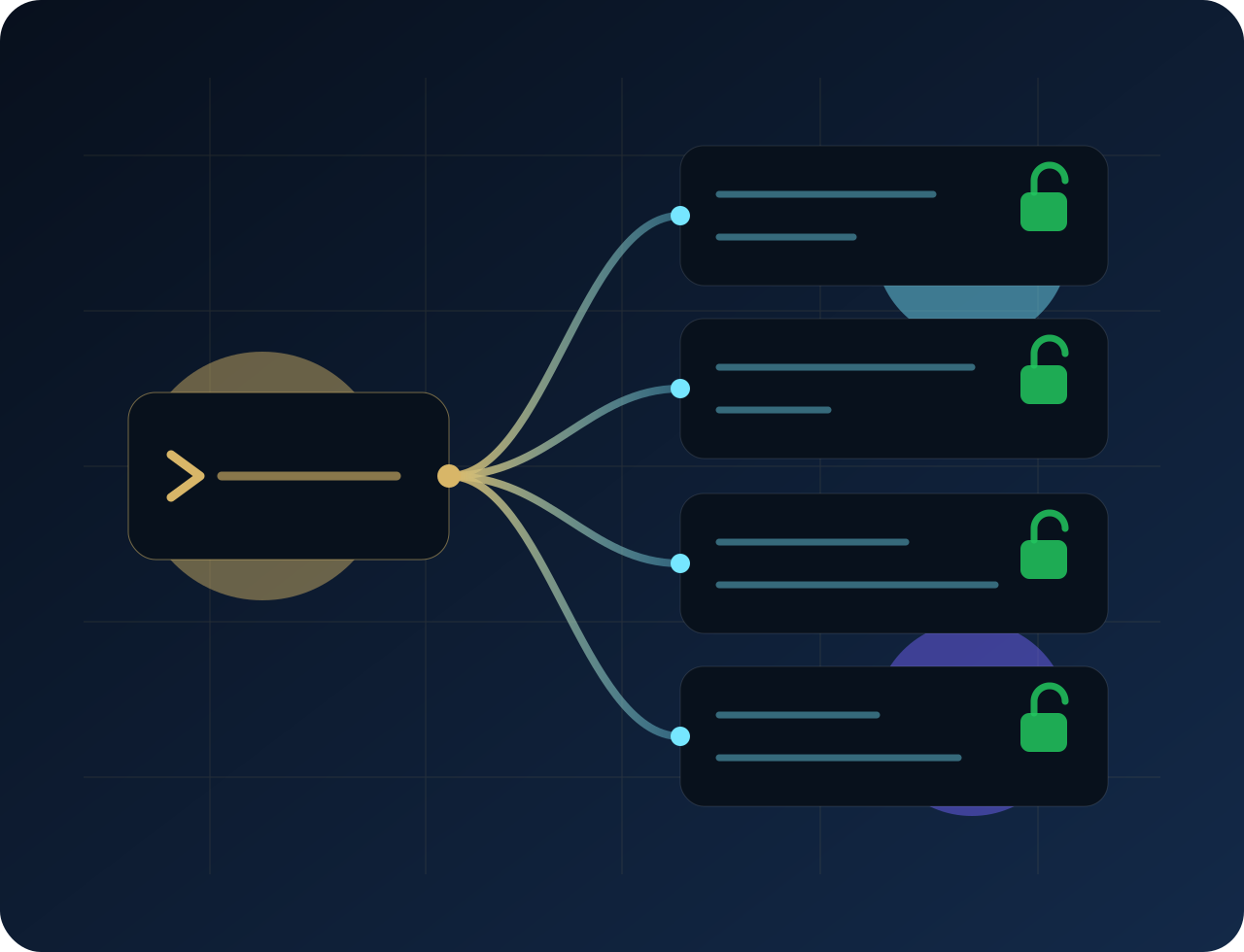
By hand
- Paste a bearer token into
.mcp.json - Paste it again into
~/.claude.json - Paste it again into
~/.codex/config.toml - Paste it again into a VS Code roaming profile
- Rotate the token → edit every one of them again
Point a machine at your memory service in a single command. A browser opens, you sign in, and the CLI writes a working MCP config into the repository — with no credential in it. It is published on npm under Apache-2.0, and it is free.
Wiring an agent host to a remote MCP server used to mean pasting the same bearer token into every config on the machine — and rotating it meant editing every one of them again.
.mcp.json~/.claude.json~/.codex/config.tomlThere is no token in that file. That is the entire point of the tool — it is safe to commit, safe to hand a teammate, and there is nothing in it to rotate.
{ "mcpServers": { "mem": { "type": "http", "url": "https://mem.bnlgit.com/mcp" } } }
OAuth-capable hosts — Claude Code, VS Code — discover authentication from the endpoint’s 401 and WWW-Authenticate response, run the flow themselves, and keep their own credential in their own keychain. Hosts that cannot do OAuth, such as Codex and CI, take a real credential via an explicit flag; even then it lands in an environment file and is referenced by name, so it never touches the repository.
The file it writes contains a URL and nothing else. Hosts discover authentication from the endpoint's 401 and WWW-Authenticate response, run the OAuth flow themselves, and store credentials in their own keychain.
Every write reads what is already on disk and replaces only the keys it owns. An unrelated MCP server survives untouched, as do your other top-level keys and any hooks you have set.
If a config file is not valid JSON, the CLI reports it and leaves it exactly as it found it — because "it looked broken" is precisely when someone's half-finished hand edit is sitting in it.
Without an explicit flag the CLI creates no credential and no database row. Minting is something you request, not a side effect of setup.
A device-code flow (RFC 8628) prints a short code and a URL to open on any other device — for SSH sessions and boxes with no display.
A dry run prints the full contents of every file it would touch and writes nothing, so you can see the change before you take it.
--dry-run | Show every file that would change, write nothing. |
|---|---|
--url <base> | Point at a self-hosted deployment instead of the default. |
--dir <path> | Repository to configure (default: the current directory). |
--device | Device-code login, for headless boxes and SSH sessions. |
--token <token> | Use an existing token instead of logging in — the CI path. |
--mint-token | Also mint a token for hosts that cannot do OAuth. |
--codex | Configure Codex too (implies --mint-token). |
--server-name <name> | Override the MCP server key written into the config. |
--no-browser | Print the login URL instead of opening a browser. |
Requires Node 20 or newer.
We would rather be dull and accurate about this than exciting and wrong.
@bluenotelogic/harness · Apache-2.0
Published to npm and installable right now. Source under Apache-2.0.
caveauMEM public core · Apache-2.0
Documentation, SDK and provider examples, a local demo, and the community-safe runtime pieces of the memory service itself.
The default endpoint above is the standalone caveauMEM service. Point the CLI somewhere else with --url if you run your own deployment.
Run it with a dry run and it will print every file it would touch without writing a byte.